
Activity is the proof that every report was generated or emailed—filter runs, open PDFs, and retry failures in one place.
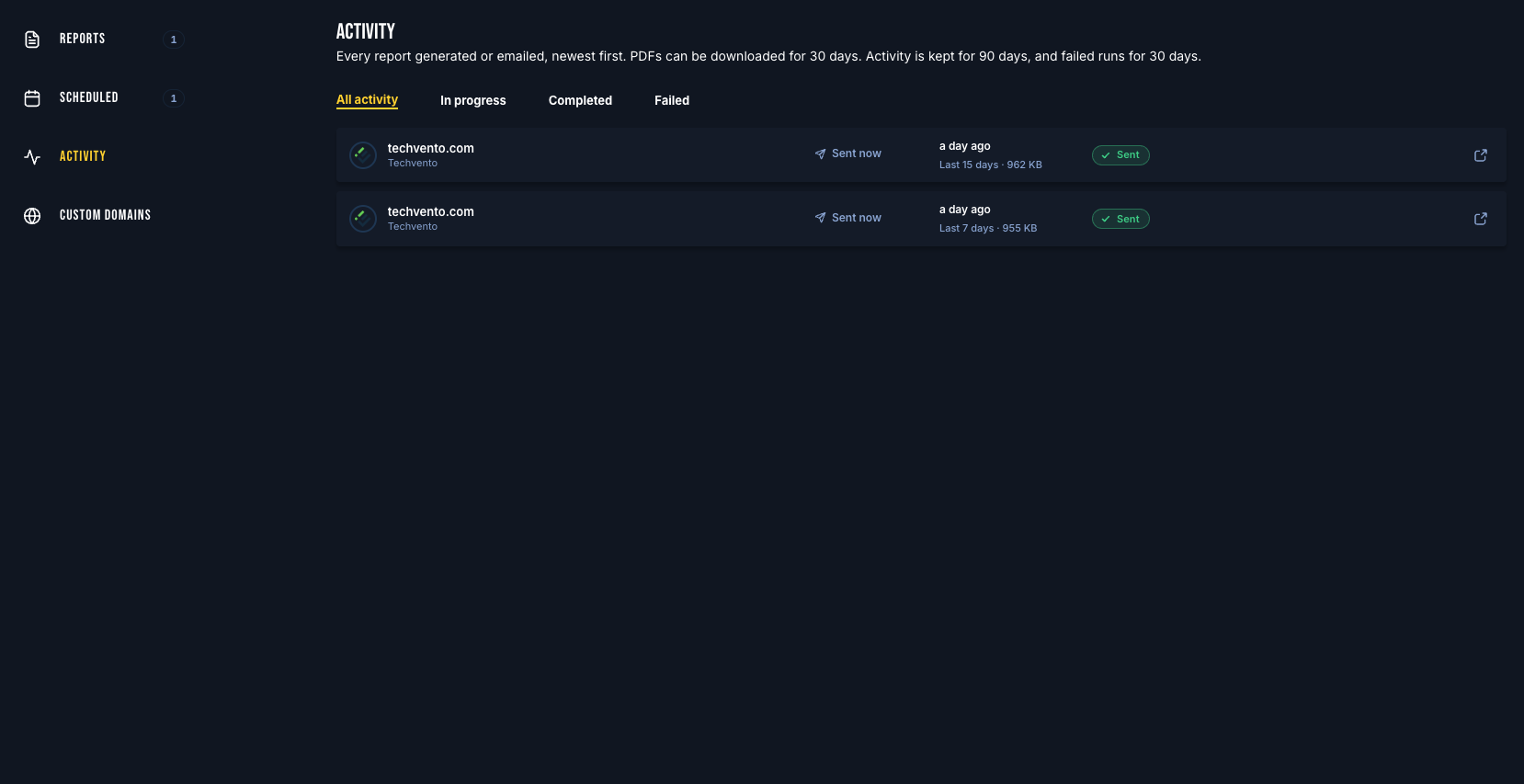
Open Activity
Go to Reports
Click Activity in the side menu
You can also open Activity for one profile from the Reports list (View activity).
Filters
All activity
In progress — queued or generating
Completed — PDF ready or emailed
Failed — needs attention
Triggers include Scheduled, Sent now, and PDF only.
What each row shows
Site and report profile
Period covered
PDF size
Recipient count (for email runs)
Status: queued, generating, PDF ready, sent, or failed
Open PDFs and retry
Download or open a completed PDF (available for about 30 days)
History is kept longer (about 90 days) so you can confirm whether a client was sent a report
On a failed send, click Retry
Tips
Large portfolios generate in the background—refresh Activity if a run is still In progress
Use Scheduled in the side menu to see what goes out next; use Activity to prove what already went out