
The SiteSkite Sandbox is a powerful feature that allows you to instantly create a fresh, clean WordPress installation in just 1 second. It’s designed for testing, experimenting, debugging, and safely trying new tools without touching your real websites.
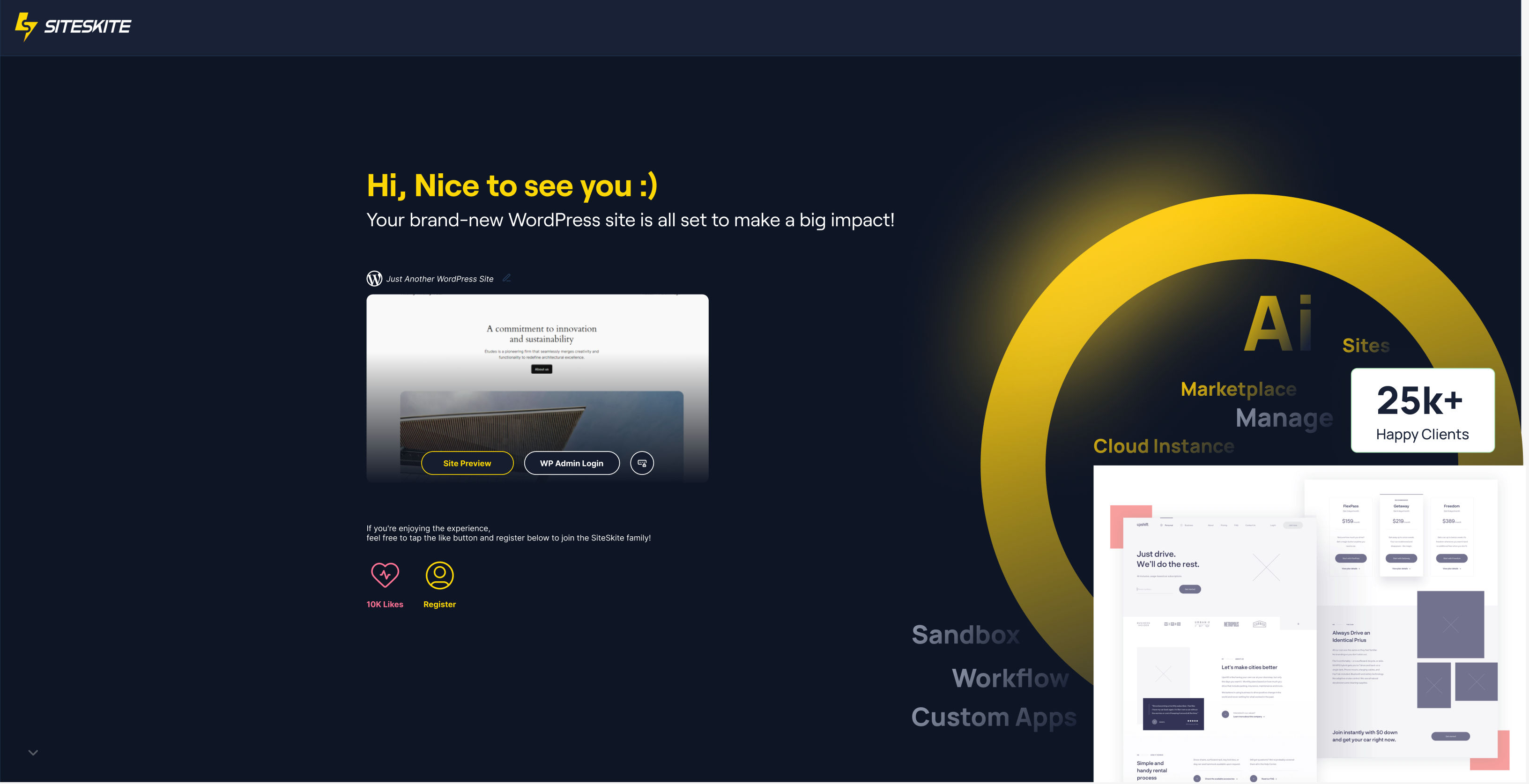
Whether you want to test a plugin, explore a theme, try a design, or validate new functionality—Sandbox gives you a temporary WordPress environment with zero risk and zero setup.
This is one of the fastest WordPress instance creation tools built directly into the SiteSkite Portal.
Key Features of Sandbox
Instant WordPress Setup
Creates a brand-new WordPress site in 1 second, ready to use.
Safe Testing Environment
Run experiments without affecting your real projects or client sites.
One-Click Access
Login instantly—no need to enter usernames or passwords.
No Server Setup Required
Hosted and managed by SiteSkite. No hosting account or domain required.
Perfect for Developers, Agencies, and Beginners
Test workflows, plugin compatibility, or teach others how to use WordPress.
How to Create a Sandbox Site
Creating a Sandbox is extremely simple:
Log in to the SiteSkite Portal
-
Look at the top-right corner of the header
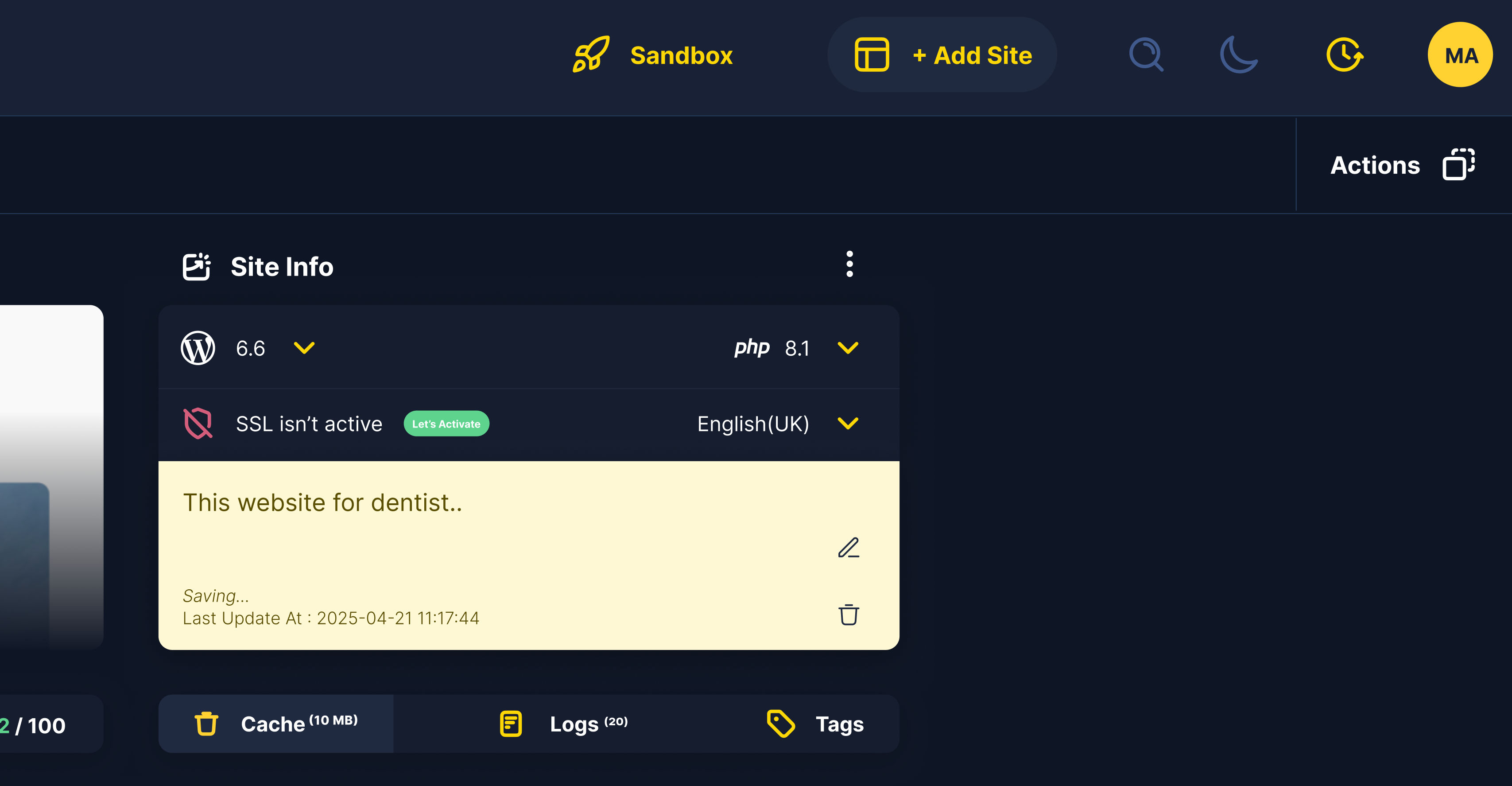
Click the Sandbox button
(Instantly triggers the automatic site generator)Within 1 second, your Sandbox site will be ready
Click Login to WordPress to access it
-
Also you can copy the WordPress Login Credentials.
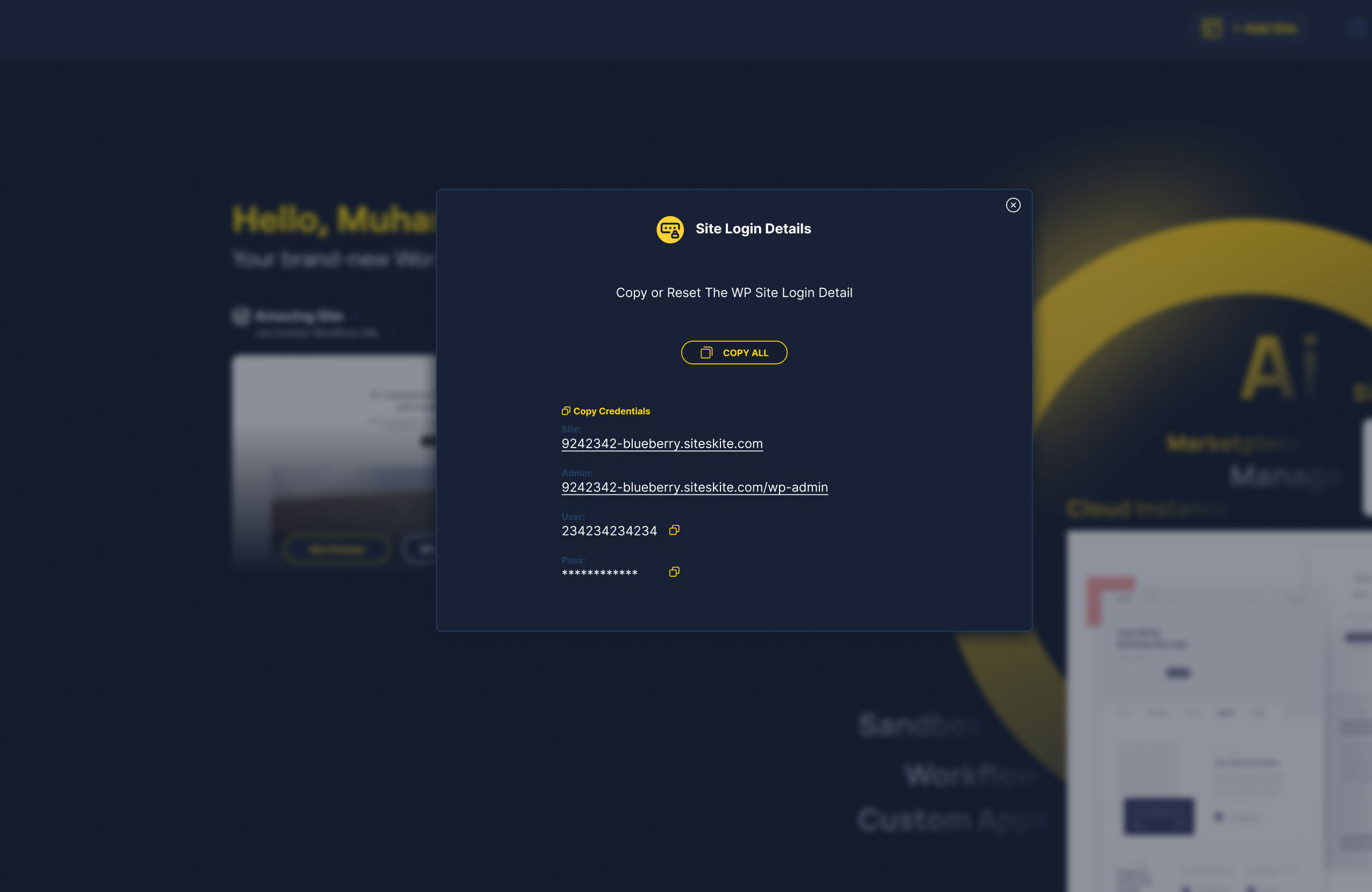
Done — you now have a fully functional WordPress test environment.
What Can You Do Inside the Sandbox?
Use the Sandbox to:
Install and test plugins
Experiment with themes or builders
Try custom code
Validate troubleshooting steps
Create demo pages
Train teammates or clients
Use it as a temporary development space
Test SiteSkite features before applying them to real sites
Since it’s temporary and isolated, you can freely experiment without worrying.
Important Notes About Sandbox Sites
Temporary Environment
Sandbox sites are not meant to store permanent work.
Auto Cleanup (if applicable)
SiteSkite automatically remove sandbox sites after 4hrs.
Performance Optimized
Your sandbox is optimized for testing and may not represent full production-level performance.
Why Sandbox is Useful
Avoid breaking live websites while testing
Evaluate plugins/themes before using on client sites
Speed up development workflows
Train team members easily
Quickly reproduce bugs or conflicts
Validate compatibility with WordPress updates
This saves you time, reduces risks, and eliminates the need for local or demo hosting setups.