
SiteSkite’s customer portal is multilingual. You can run the dashboard in your preferred language so your team works in the locale they know best.
Account language controls labels, menus, settings, and most in-product copy across the portal.
Supported languages
The portal currently supports:
English (en)
Spanish (es)
French (fr)
German (de)
Portuguese (pt)
Dutch (nl)
Arabic (ar) — including right-to-left layout where applicable
How to change your portal language
Step 1: Open Language settings
Sign in to the SiteSkite Dashboard
Go to Settings → Language (or open the
/languagepage)
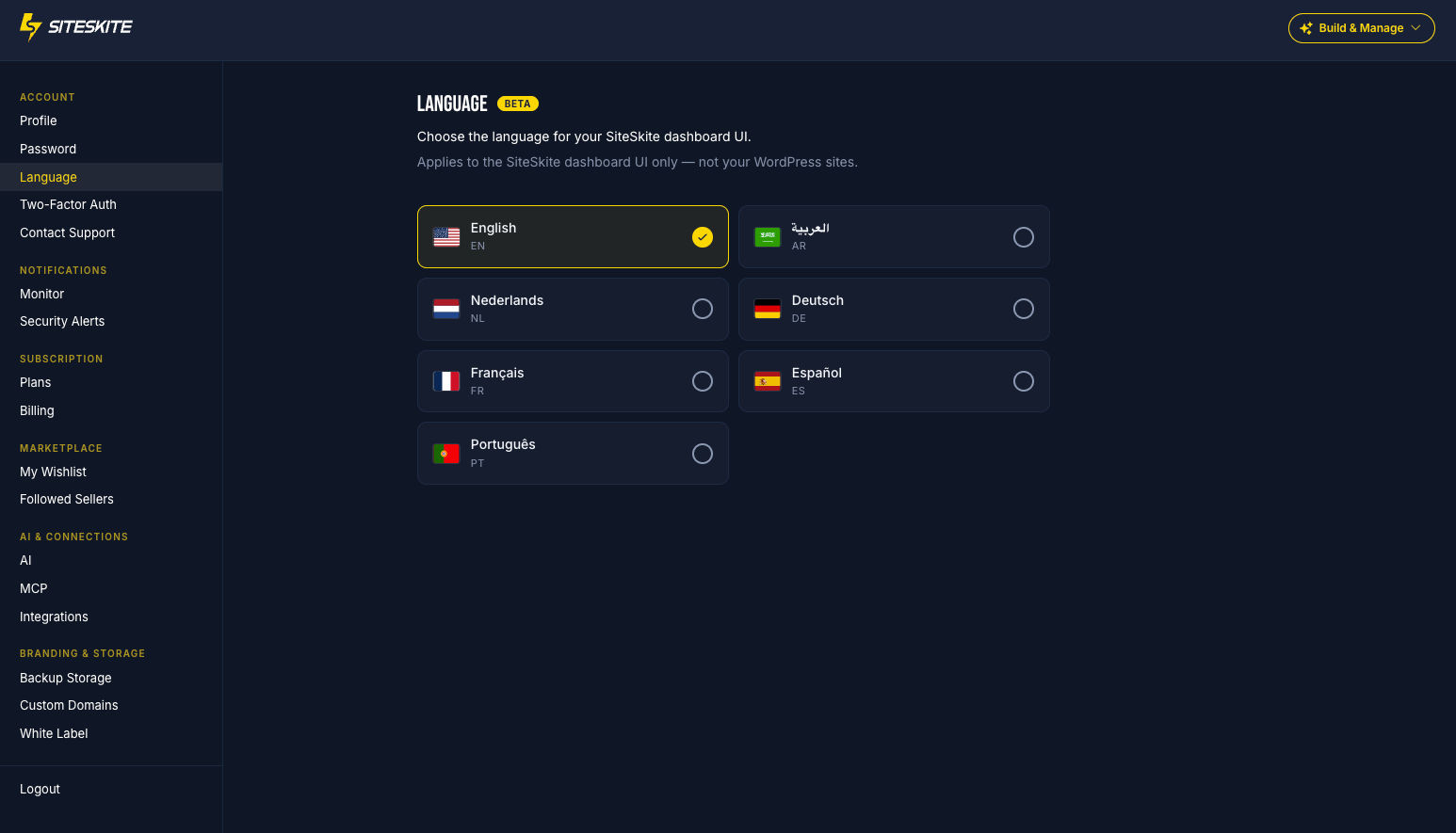
Step 2: Choose a language
Select your preferred language from the list
Save / confirm the change
Step 3: Confirm the dashboard updates
Navigation, buttons, and settings copy switch to the selected language
Your choice is saved on your account for future sessions
Portal language vs WordPress site language
These are separate settings:
Portal language — how the SiteSkite dashboard UI is displayed for your account
WordPress site language — the language of a linked WordPress site (managed from that site’s Site Info / language control in the linked-site overview)
Changing your portal language does not automatically change WordPress site languages.
Screenshot placeholder — upload site-overview-detail-view.png from Dashboard Screenshots to show Site Info / linked-site language controls.
Who this helps
Agencies with multilingual teams
Freelancers who prefer a non-English UI
Teams that switch between client markets (ES, FR, DE, PT, NL, AR)
Tips
Each team member can set their own portal language on their account
If a page still shows English strings, refresh after saving — some views load translations on the next navigation
WordPress content language remains under that site’s own settings
Summary
Use Settings → Language to run SiteSkite in English, Spanish, French, German, Portuguese, Dutch, or Arabic. Keep portal language and WordPress site language as separate controls when you manage international clients.